
How to Test Your Website Contact Form Before Launching
Learn how to test your website contact form before launching. Follow this simple checklist to make sure every enquiry reaches your business successfully.
Launching a new website is exciting.
You have spent time designing the pages, writing content, choosing images, and making sure everything looks professional.
There is one part of the website that should never be overlooked.
The contact form.
Many businesses spend weeks building a website but only discover after launch that their contact form does not work.
By then, valuable customer enquiries may already have been lost.
The good news is that testing a contact form only takes a few minutes and can prevent costly mistakes.
Why Testing Matters
Your contact form is often the main way customers communicate with your business.
If it fails, visitors may assume you are not interested in their enquiry.
Most people will not try again.
Instead, they will simply contact another company.
Testing your form before launch helps ensure every customer has a smooth experience from the very beginning.
Submit a Real Test Enquiry
The first step is simple.
Complete the contact form exactly as a customer would.
Use realistic information instead of leaving fields empty.
Submit the form and observe what happens next.
This tells you whether the basic submission process is working.
Check the Success Message
After clicking Submit, your website should clearly tell visitors that their enquiry has been received.
Look for:
- A thank you message
- A confirmation page
- A successful redirect
If nothing happens, visitors may assume the form failed and submit it several times.
Verify Notification Emails
After submitting the form, check whether your notification email arrives.
If it does not, look in:
- Spam
- Junk
- Promotions
- Other email folders
A missing notification could indicate that the email settings need attention.
Make Sure the Submission Is Saved
Email notifications are helpful, but they should not be your only record of customer enquiries.
Whenever possible, confirm that the submission has also been saved.
This provides a backup in case an email is missed or accidentally deleted.
Having a permanent record also makes future customer conversations much easier to manage.
Test Every Required Field
Leave one required field empty and submit the form.
The form should clearly explain what information is missing.
Repeat this process for each required field.
Clear validation helps visitors correct mistakes without becoming frustrated.
Test Different Devices
Your contact form should work on more than just your own computer.
Test it on:
- Desktop computers
- Mobile phones
- Tablets
A form that works perfectly on one device may behave differently on another.
Testing across multiple devices helps identify layout or usability issues before customers encounter them.
Test Different Browsers
People use many different web browsers.
Open your website using different browsers and submit a test enquiry from each one.
This helps confirm that your contact form works consistently for all visitors.
Check for Spam Protection
If your form includes spam protection, make sure it is working correctly.
Good spam protection should reduce unwanted submissions without preventing genuine customers from contacting you.
If real visitors cannot submit the form easily, they may leave your website without making contact.
Test After Every Website Update
Testing should not happen only once.
Every time your website is updated, test the contact form again.
Changes to your website, hosting, or form settings can sometimes affect submissions.
Regular testing helps you discover problems before your customers do.
Test Every Form on Your Website
Many businesses have more than one form.
For example:
- Contact form
- Quote request form
- Booking form
- Support form
- Job application form
Do not assume that if one form works, the others do as well.
Every form should be tested individually before launch.
Keep Your Existing Form
If your contact form already looks professional, there is usually no need to rebuild it simply because you want better submission handling.
Instead, improve what happens after the visitor clicks Submit.
With SmartFormify Connect, you can keep your existing website form while adding reliable submission handling, notification emails, spam protection, and organized response management.
This allows you to improve reliability without changing the design your visitors already know.
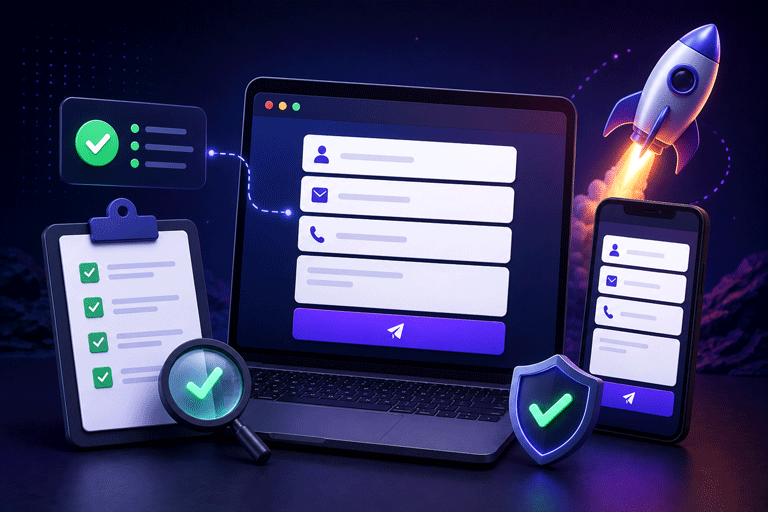
A Simple Testing Checklist
Before launching your website, make sure you can answer Yes to each of these questions.
- Does the form submit successfully?
- Does a thank you message appear?
- Does the notification email arrive?
- Is the submission saved?
- Do required fields work correctly?
- Does the form work on mobile devices?
- Does the form work in different browsers?
- Is spam protection working properly?
- Have all website forms been tested?
If every answer is yes, your contact form is ready for launch.
Common Mistakes to Avoid
Many businesses publish their website without ever submitting a test enquiry.
Others only test on one device.
Some rely entirely on email notifications and never check whether submissions are actually being stored.
Another common mistake is forgetting to test again after making website updates.
Avoiding these simple mistakes can save your business from losing valuable customer enquiries.
Final Thoughts
A contact form is one of the most important parts of any business website.
It is often the first step in a conversation with a potential customer.
Taking a few minutes to test your form before launching can help ensure every enquiry is received, stored, and managed correctly.
With SmartFormify Connect, you can continue using your existing contact form while adding reliable submission handling, notification emails, spam protection, and a central dashboard for managing every response, giving you confidence that your website is ready for visitors from day one.
Share this post


Latest posts
8 min read
How to Collect Leads From ChatGPT, Lovable, Bolt and Other AI Websites
7 min read
How to Connect AI Built Websites to a Form Backend
8 min read
How Agencies Can Manage Client Website Forms More Efficiently
8 min read
Best Contact Form Solution for Small Businesses
5 min read
How to Centralize Leads From Multiple Websites