
Why Your Contact Form Is Not Sending Emails And How to Fix It
Is your contact form not sending emails? Learn the most common reasons website forms fail and discover simple ways to fix the problem without rebuilding your we
Your website is live.
People are visiting.
Your contact form looks professional.
Then a customer tells you they submitted an enquiry several days ago.
You check your inbox.
Nothing is there.
This is one of the most frustrating problems for any business owner.
Every missed enquiry could be a lost customer.
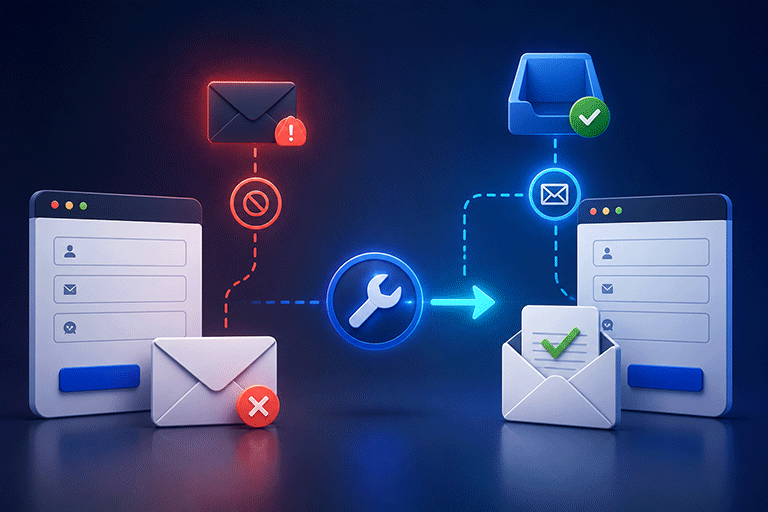
The good news is that most contact form email problems have simple causes and can usually be fixed without rebuilding your website.
First Make Sure the Form Is Actually Working
The first step is to test the form yourself.
Complete every field and submit a test enquiry.
Ask yourself:
- Does the form submit successfully?
- Do you see a thank you message?
- Does a notification email arrive?
- Is the submission stored anywhere?
These simple checks will quickly tell you whether the problem is with the email or with the entire submission process.
The Form Is Not Connected to a Backend
Many modern websites, especially AI generated websites, create the appearance of a contact form without connecting it to a service that processes submissions.
The form may look complete, but after someone clicks Submit, nothing happens.
A backend is responsible for:
- Receiving the submission
- Sending notification emails
- Saving the response
- Returning a success message
Without a backend, no email can be sent.
Notification Emails Have Not Been Configured
Sometimes the form works correctly, but nobody has configured where notification emails should be sent.
This means submissions may exist, but your business never receives an alert.
Always confirm that the correct notification email address has been added.
After making any changes, send another test submission to verify everything works.
The Email Went to Spam
Not every missing email is actually missing.
Sometimes it is delivered to another folder.
Check your:
- Spam folder
- Junk folder
- Promotions folder
- Email filters
If the email appears there, you may need to adjust your email settings or use a more reliable submission system.
You Are Depending Only on Email
Many businesses rely entirely on email notifications.
This creates unnecessary risk.
Emails can be:
- Deleted accidentally
- Missed during busy days
- Buried under hundreds of other messages
- Filtered incorrectly
The safest approach is to store every submission while also sending email notifications.
This way you always have a backup if an email is missed.
Spam Protection Is Blocking Real Visitors
Spam protection is important, but incorrect settings can sometimes prevent genuine visitors from submitting your form.
If customers report that the form does nothing after clicking Submit, review your spam protection settings.
The goal is to reduce unwanted submissions without making the form difficult for real people to use.
The Website Was Never Tested
One of the most common mistakes is publishing a website without testing the contact form.
Many people assume the form works simply because it appears on the page.
Always submit several test enquiries before launching your website.
Confirm that:
- Emails arrive.
- Responses are stored.
- Thank you messages appear.
- Everything works correctly.
A few minutes of testing can prevent weeks of lost business.
Website Changes Can Break Forms
A contact form that worked last month may stop working after a website update.
Changes to the website, server, or form settings can affect how submissions are handled.
Whenever your website is updated, test the contact form again.
Regular testing helps you identify problems before customers notice them.
AI Generated Websites Often Need a Submission Service
Many AI website builders generate attractive contact forms, but they usually focus on the appearance rather than the submission process.
The form looks complete, but it still needs a service that receives and manages the submitted information.
Without this connection, emails may never be sent.
Fortunately, you usually do not need to replace the form.
You only need to connect it properly.
Connect Your Existing Form Instead
If your contact form already looks good, rebuilding it is rarely necessary.
Instead, connect the existing form to a submission management service.
With SmartFormify Connect, your existing website form can continue looking exactly the same while SmartFormify manages everything behind the scenes.
Once connected, SmartFormify can:
- Receive submissions
- Store responses
- Send notification emails
- Display after submission messages
- Help reduce spam
- Keep enquiries organized in one dashboard
Your visitors continue using the same contact form while your business gains a much more reliable submission process.
Keep Every Enquiry Safe
Every enquiry could become a future customer.
Storing submissions separately from email gives your business a complete history of customer communication.
You can search previous enquiries, review customer information, and respond more efficiently without depending entirely on your inbox.
Common Mistakes to Avoid
Many contact form problems happen because businesses assume everything is working without testing.
Other common mistakes include:
- Depending only on email
- Never checking the spam folder
- Forgetting to test after website updates
- Rebuilding the form instead of fixing the submission process
- Not storing submissions anywhere
Avoiding these mistakes can help prevent lost enquiries and improve customer communication.
Final Thoughts
A contact form that does not send emails can cost your business valuable opportunities.
Fortunately, the solution is often much simpler than rebuilding your website.
In many cases, the problem is not the design of the form but the system that receives and manages submissions.
By testing your form regularly, storing every submission, and using a reliable submission service, you can ensure every customer enquiry reaches your business successfully.
With SmartFormify Connect, you can keep your existing contact form while adding dependable submission handling, email notifications, spam protection, and organized response management, helping your website work the way your customers expect.
Share this post


Latest posts
8 min read
How to Collect Leads From ChatGPT, Lovable, Bolt and Other AI Websites
7 min read
How to Connect AI Built Websites to a Form Backend
8 min read
How Agencies Can Manage Client Website Forms More Efficiently
8 min read
Best Contact Form Solution for Small Businesses
5 min read
How to Centralize Leads From Multiple Websites