Connect SmartFormify to Google Sheets
Send each new response to Google Sheets so you can review it, sort it, and follow up from one place.
Choose the spreadsheet you want to use, match your fields to columns, and save the connection once.
Step 1: Open your form and select Google Sheets
Open the form you want to use, open the Connect menu, and choose Google Sheets.
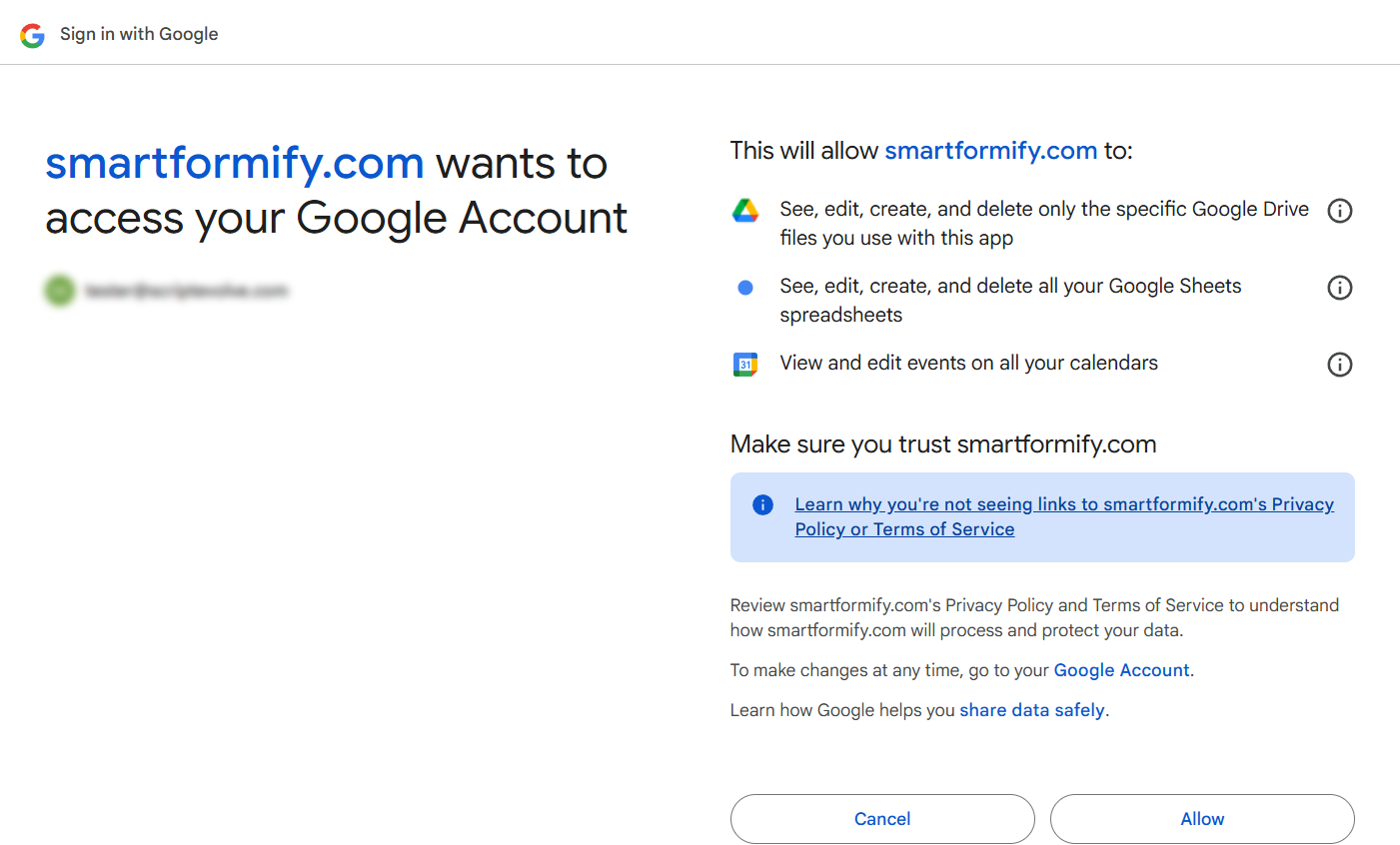
Step 2: Sign in and approve access
Sign in with the Google account that owns the spreadsheet and allow SmartFormify to use Sheets and Drive.
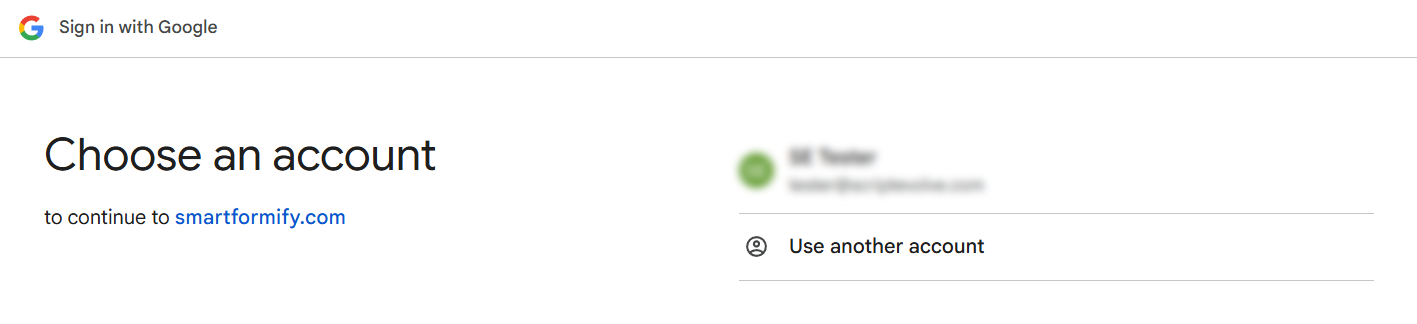
Step 3: Confirm the SmartFormify connection
Check the consent screen and confirm you are using the right Google account.
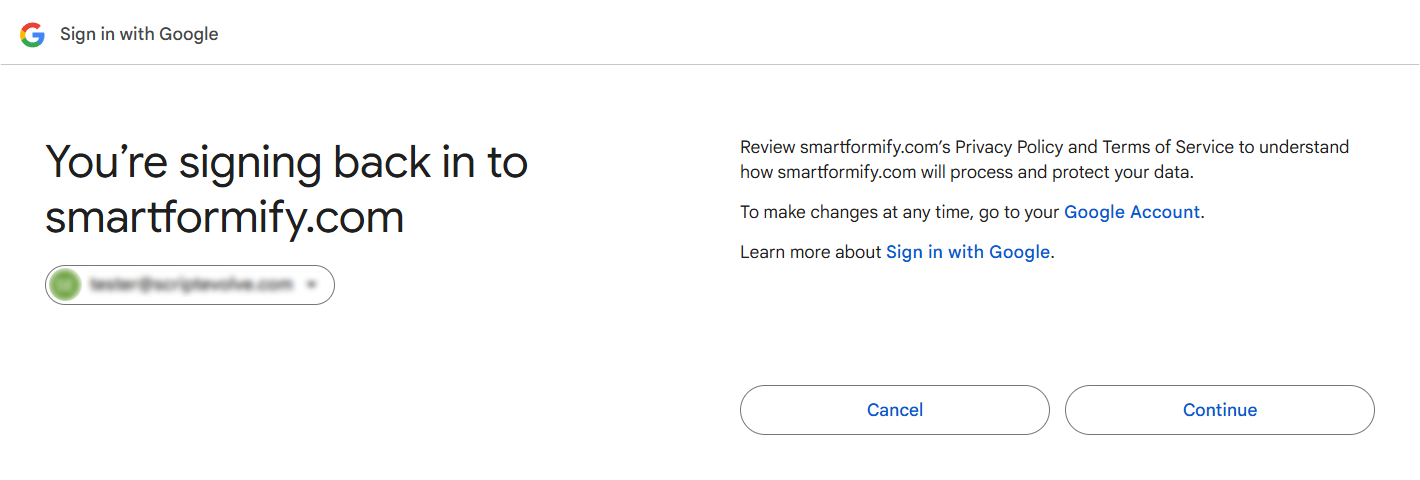
Step 4: Choose a sheet and map fields
Choose the spreadsheet and sheet, decide which answers go in which columns, and save.