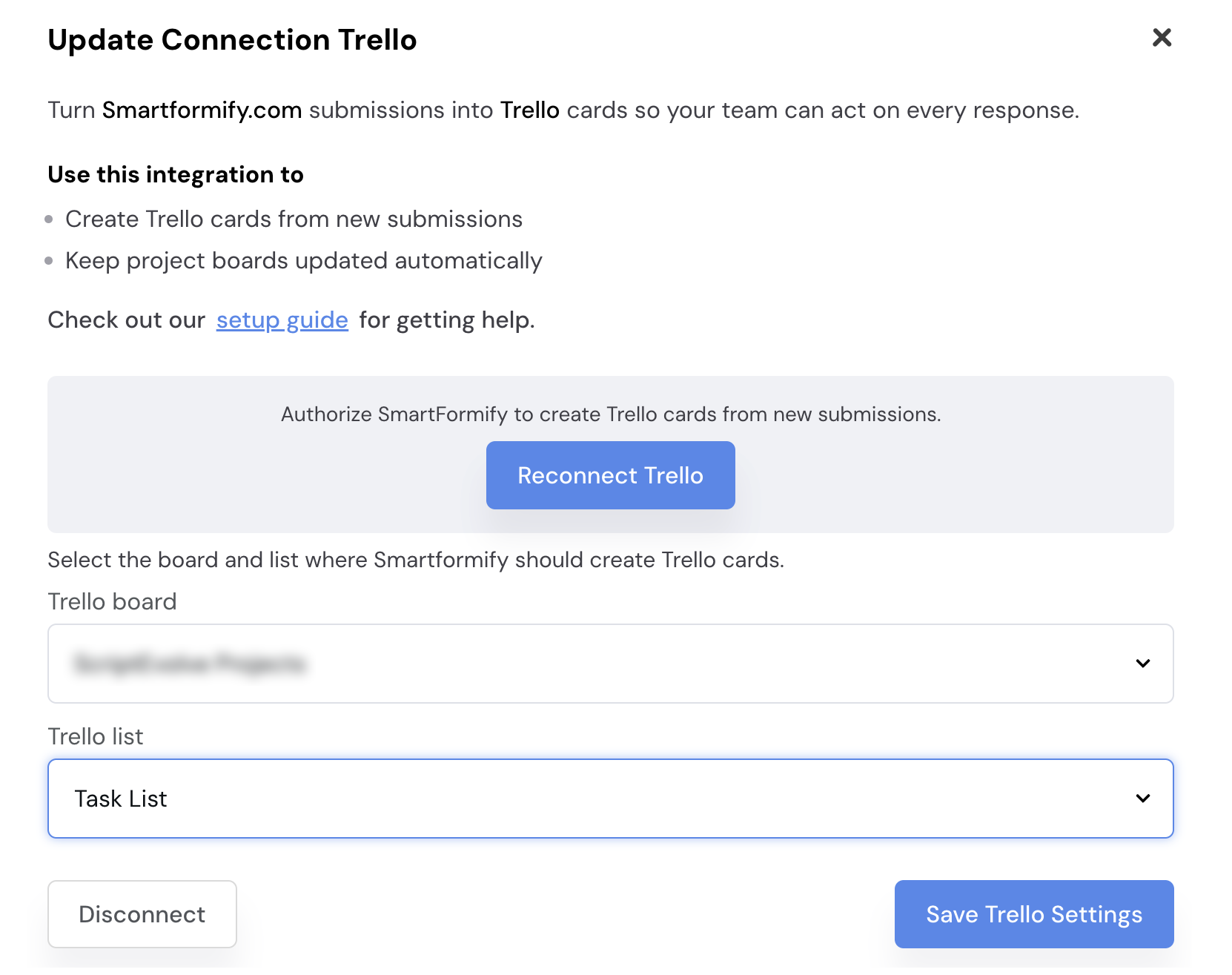
Connect SmartFormify to Trello
Turn each new response into a Trello card so nothing gets lost between submission and follow up.
Choose the board and list you want to use, then decide what should go in the card title and description.
Step 1: Open your form and select Trello
Open the form you want to use, open the Connect menu, and choose Trello.
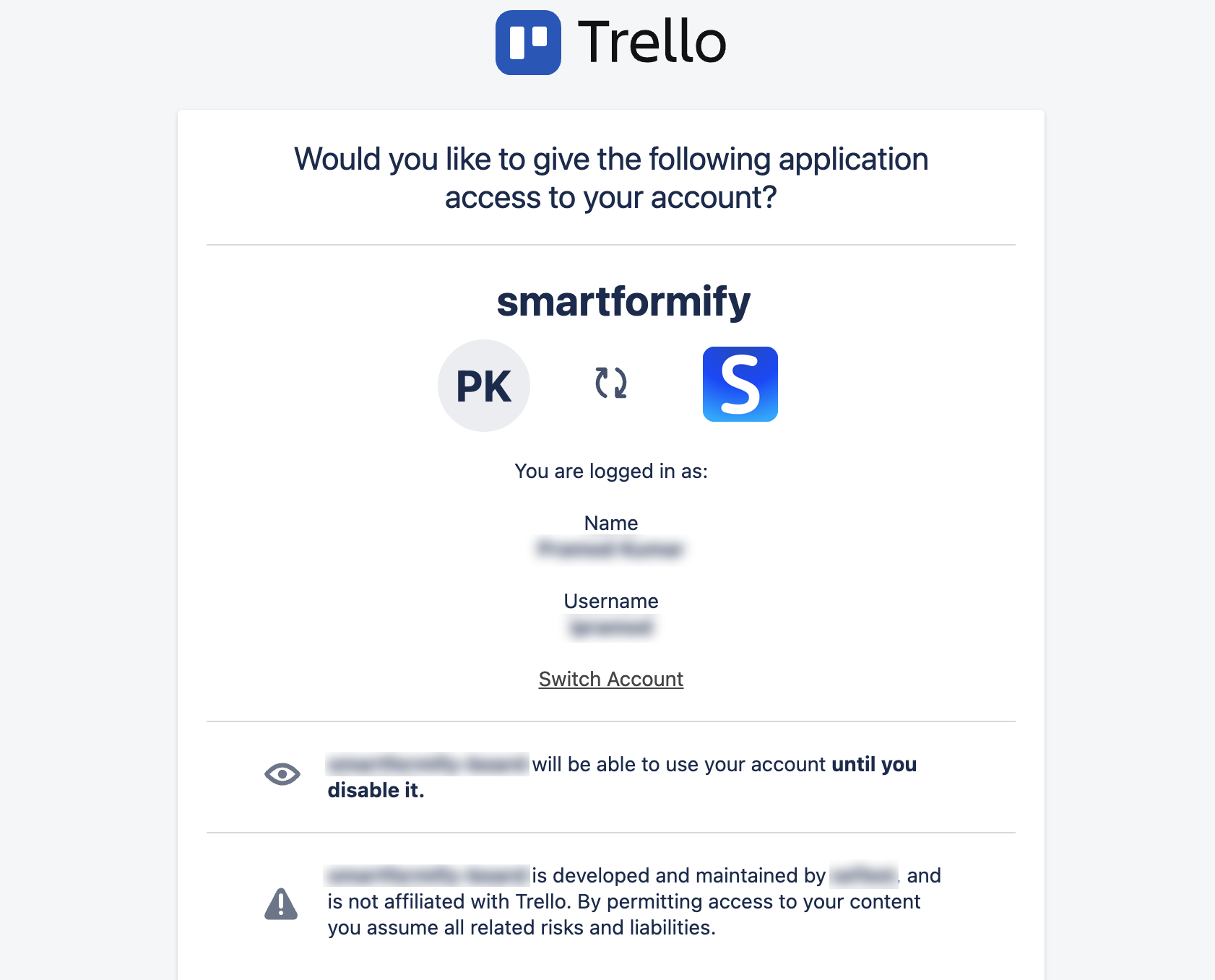
Step 2: Authorize Trello
Sign in to Trello, choose the account you want to use, and approve access.
Step 3: Choose a board and list
Choose the board and list, match the fields you want to send, and save the connection.