Connect SmartFormify to Slack
Send a Slack message when a new response comes in so you can see it sooner and reply faster.
Pick the channel you want to use and choose which response details should appear in the message.
Step 1: Open your form and select Slack
Open the form you want to use, open the Connect menu, and choose Slack.
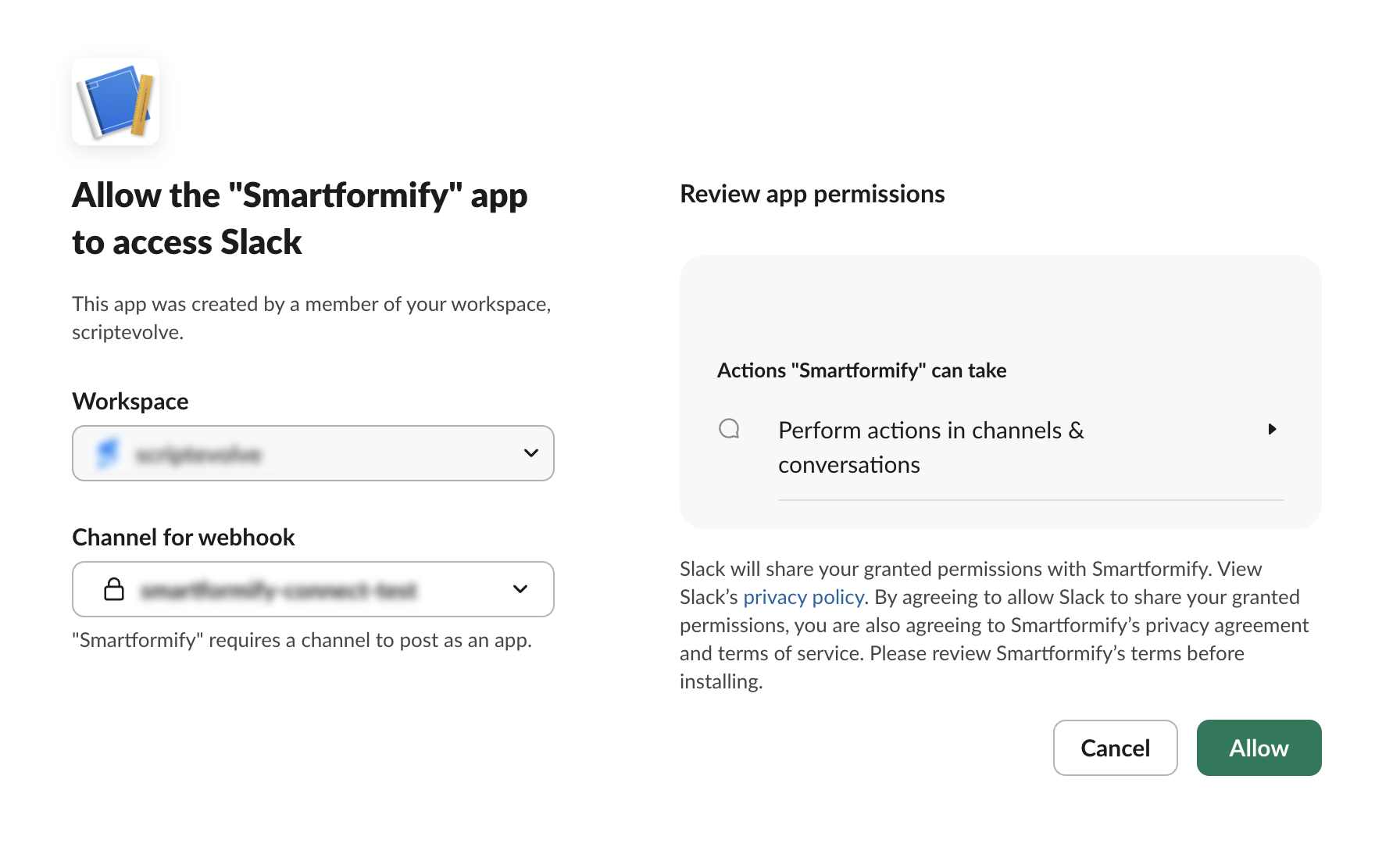
Step 2: Authorize Slack and choose a channel
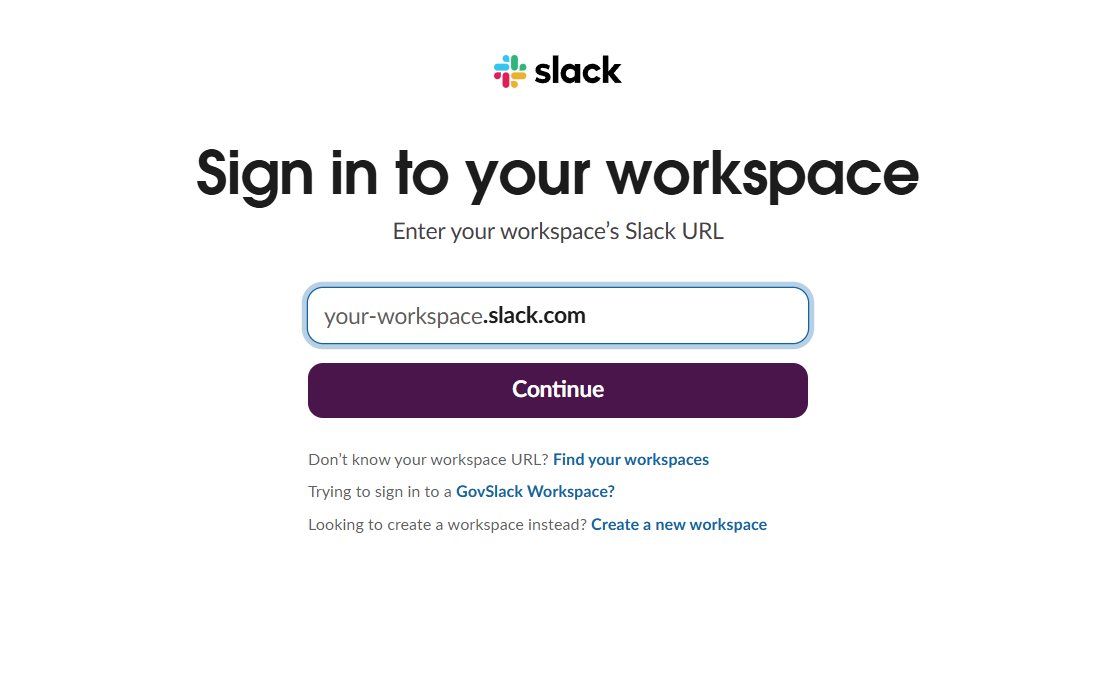
Slack will ask you to sign in, choose a workspace, pick a channel, and approve access.
Step 3: Save your message settings
Check the message layout, save the connection, and send a test response if you want to confirm it.